Debunking Power Drill Myths: What Specs Really Matter
By Marco Silva • 3rd Dec

Let's cut through the noise: the most pervasive power drill myths are costing you more than just money. Debunking drill misconceptions starts with understanding which numbers on the box actually translate to performance on your worksite. For a deeper dive into what each number actually means, see our clear drill specifications guide. As someone who's measured wrist torque and shoulder strain for two decades, I can tell you that fatigue is a hidden cost; balance beats raw weight every day. Your tool shouldn't be fighting you before you even reach the work surface.
What torque rating should I really trust for my projects?
When sales teams tout "1,200 inch-pounds of torque," they're sharing peak torque under ideal conditions (like when your drill is spinning freely in mid-air). In reality, real-world torque drops significantly when you're drilling into dense oak or driving deck screws. A Milwaukee 2804-20 hammer drill might advertise massive torque numbers, but most DIYers and even pros find the sweet spot between 300 to 500 inch-pounds for 90% of home projects.
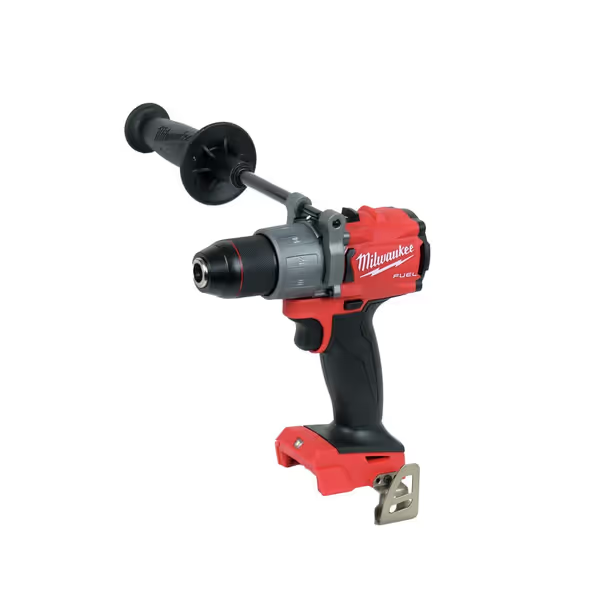
Milwaukee M18 FUEL 1/2 in. Hammer Drill
Corded power, cordless freedom: tackles tough jobs with compact design.
$179.99
Peak Torque1,200 in-lbs
Peak Torque1,200 in-lbs
Pros
Delivers corded drill power wirelessly.
Compact size, excellent for tight spaces.
Long-lasting battery life (with XC5.0).
Cons
Durability reports are mixed.
Some users find it heavy.
Fantastic tool that performs well for normal drilling and offers the power of a corded drill. Its compact size, good battery life, and good value for money.
Fantastic tool that performs well for normal drilling and offers the power of a corded drill. Its compact size, good battery life, and good value for money.
I remember watching an apprentice strain through ceiling installations with a heavy-duty hammer drill. His wrist fatigue wasn't from lack of strength, it was from unnecessary torque capacity fighting his positioning. When we switched to a properly balanced tool and set the clutch correctly, his output doubled. That's why people-first metrics focus on usable torque in your specific application, not maximum numbers.
The truth about drill specs: look for "under-load torque" specifications if available, or check professional reviews that test drills while actually drilling through material. A drill rated at 450 inch-pounds under load often performs better than one rated at 800 inch-pounds measured at no-load conditions.
Is higher voltage always better for power?
"Drill marketing myths" often revolve around voltage wars. That 20V Max vs 18V debate? Mostly semantics. The "Max" in 20V Max refers to peak voltage when the battery is fully charged (not sustained power during use). A quality 18V system frequently outperforms a budget 20V Max system because voltage alone doesn't tell the whole story.
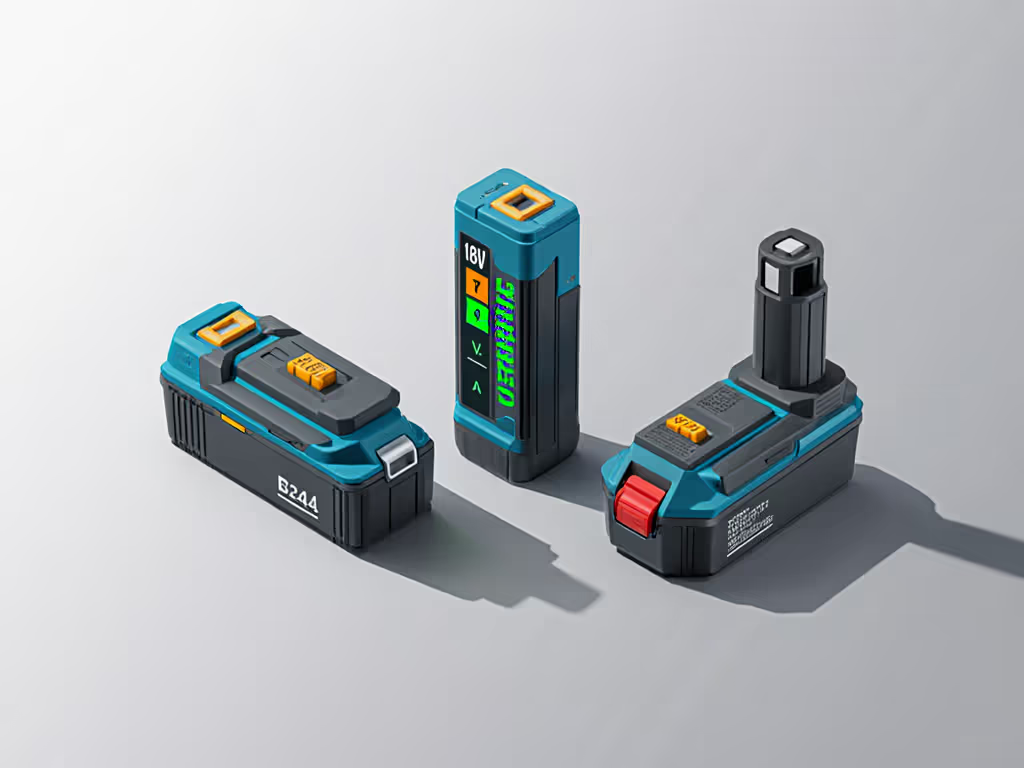
Look beyond the voltage number to battery chemistry (lithium-ion is standard now), amp-hours (Ah), and most importantly, how the tool manages power delivery. A "safety-forward" approach means recognizing that a lighter 12V drill with smart electronics might complete your cabinet installation with less fatigue than wrestling a heavier 20V model through tight spaces.
Pro tip: For most homeowners, an 18V/20V platform offers the best balance. Trade professionals doing heavy masonry work might need 36V/40V Max systems, but that extra power comes with significant weight trade-offs. Stress the setup by considering your entire workday, not just the hardest task.
Does higher RPM mean faster work?
This is one of the most enduring common drill misconceptions. Higher no-load RPM sounds impressive until you're trying to drill clean holes in hardwood and your bit wanders or burns the material. Real productivity comes from having the right speed for the material, not chasing maximum RPM numbers.
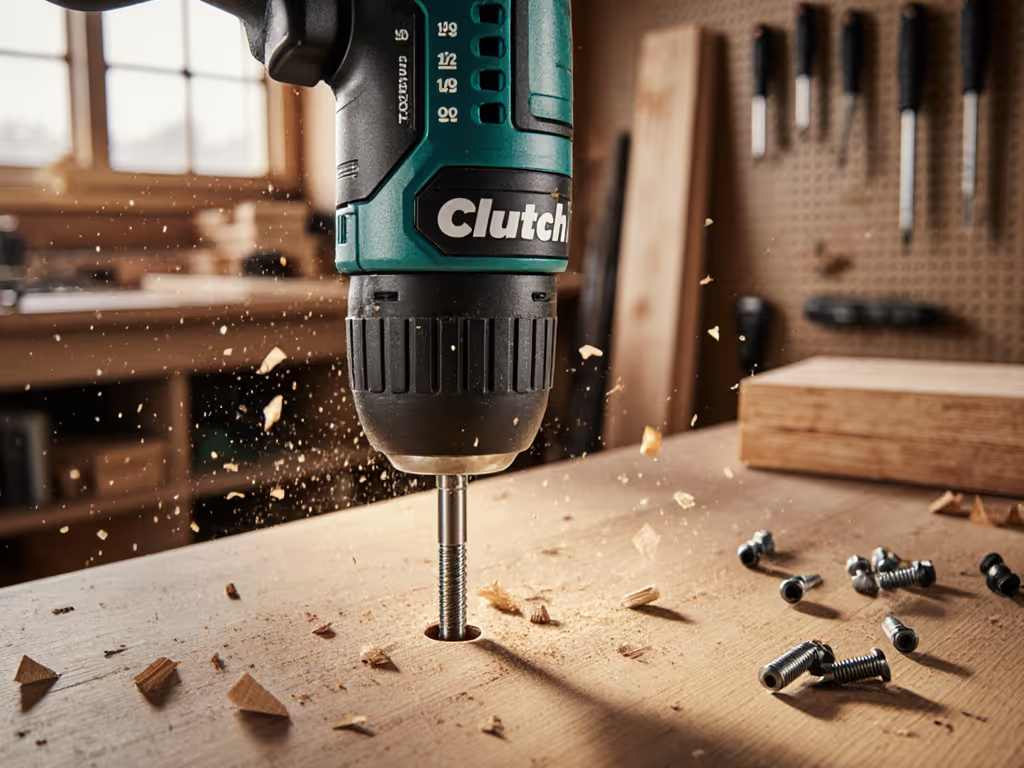
Remember: By setting the clutch properly, you're not just protecting the workpiece (you're saving your wrist from unnecessary strain over the course of a full shift).
Drilling through 2x4s? You want 1200 to 1500 RPM. Creating clean holes in hardwood? Drop to 600 to 800 RPM. The best drills offer clear and calm visual cues for speed settings rather than confusing numerical displays. When testing drills, I measure productivity by "holes-per-minute" with actual materials, not how fast the chuck spins when empty.
That Ryobi P209 drill-driver might top out at a modest 1300 RPM, but its two-speed transmission lets you match spindle speed to the task. For many DIY applications, this thoughtful speed control delivers better results than a higher-RPM single-speed model. The key is having the right speed, not the highest number.
Why do some drills bog down even with high specs?
You've probably experienced this: a drill that feels powerful in your hand suddenly slows dramatically when hitting resistance. This "under-load performance gap" happens because specs rarely account for thermal management or voltage sag during sustained use.
Drills with brushless motors typically maintain power longer under load because they generate less heat. But even more critical is the tool's balance and how you're using it. If your drill is fighting your body position (like when working overhead), you're wasting energy just holding the tool steady, leaving less power for the actual drilling. This is where ergonomic fatigue silently erodes your productivity.
Here's a field test I recommend: drill ten 3/4" holes through pressure-treated lumber. Time how long it takes, and note when the tool starts to slow or heat up. This real-world test beats any spec sheet number for predicting actual performance.
What's the real impact of poor ergonomics?
This is where most reviews fail you. They measure torque and speed but ignore how the tool feels after three hours of use. Power tool misinformation abounds when it comes to the "hidden" costs of fatigue. That extra pound of weight? When held overhead, it multiplies dramatically in terms of shoulder strain.
Set the clutch, save the wrist: this simple action reduces repetitive strain by ensuring you're not fighting unnecessary rotational force.
When evaluating drills, perform this test: hold the tool at shoulder height for one minute. Where does strain first appear? For many users, it's the wrist from poor balance, not raw weight. A compact drill with excellent weight distribution will outperform a heavier model with "better" specs for all-day tasks.
Look for features that address fatigue: non-slip grips that work with sweaty hands, trigger designs that minimize finger strain, and side handles that distribute load across your body. These elements represent people-first metrics that directly impact your productivity and safety.
How should I actually choose a drill for my needs?
Forget the marketing hype. Start with your most common tasks and work environment:
- For ceiling work or tight spaces: prioritize compact head length and lightweight design over maximum torque
- For decking or framing: focus on battery runtime and comfortable grip circumference
- For precision work: seek drills with excellent clutch control and low vibration
Create your own evaluation criteria based on your actual work:
- Measure clearance requirements for your common tasks (e.g., "needs to fit in 4" deep cabinet")
- Determine your typical duty cycle ("driving 100 #8 screws per session")
- Evaluate your fatigue tolerance ("working overhead for 30+ minutes")
When you stress the setup around your specific parameters, you'll find tools that deliver consistent performance without breaking your body. That apprentice I mentioned? His "weakness" was actually the wrong tool choice, once we matched his equipment to his task, his pain vanished and his productivity soared.
Actionable Next Step
Before your next tool purchase, spend 15 minutes mapping your three most frequent drilling tasks. Note:
- Working height (overhead, waist, floor level)
- Typical hole depth and material
- How many holes/screws per session
- Where you feel most fatigue currently
This simple exercise will reveal which specs actually matter for your work, not someone else's marketing message. Take your map to the store and test drills while simulating your real work positions. The right tool shouldn't leave you exhausted before lunchtime. Remember: set the clutch, save the wrist, and let proper tool selection keep you working strong all day.
Related Articles