IoT Power Tool Tracking: Fewer Lost Tools, Smarter Jobsites
By Casey Bennett • 2nd Jan
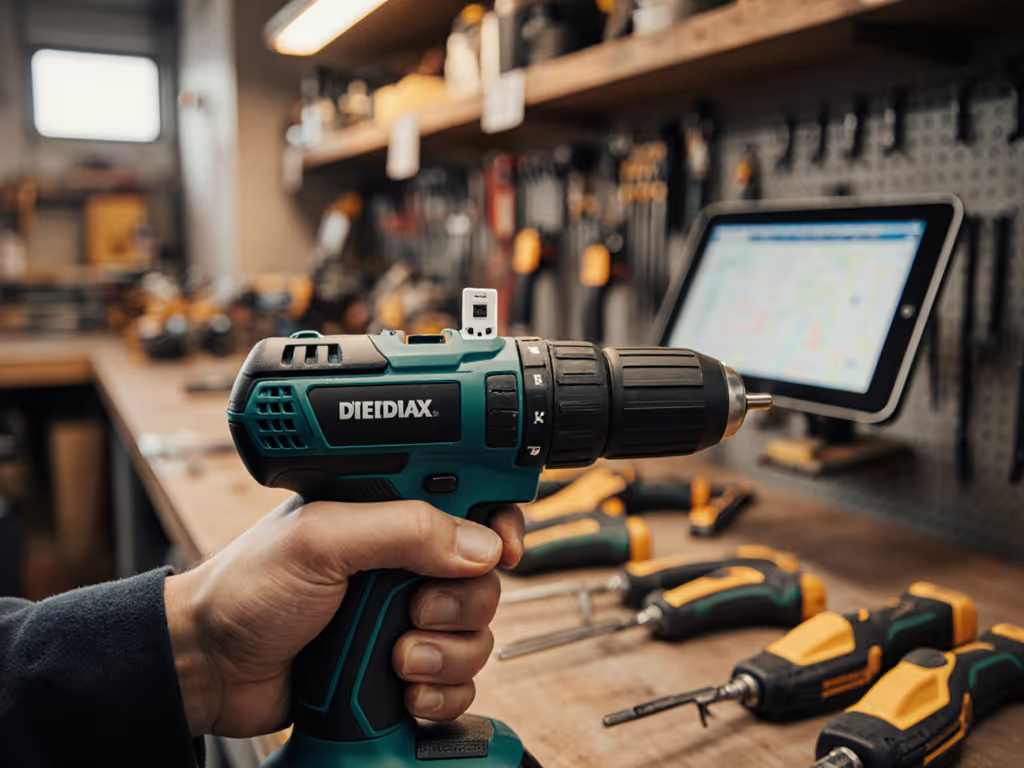
You've probably felt that sinking moment when you need a specific drill for your deck project but can't find it anywhere on the jobsite. That's where power tool IoT fleet management transforms frustration into focus, helping DIYers and pros track tools in real time, reduce losses, and build smarter workflows. Forget complicated enterprise systems; today's solutions fit home workshops and small crews without draining your budget. As someone who's helped dozens of beginners avoid project paralysis (like my neighbor who refused to touch another bookshelf after losing tools on his first build), I know confidence starts with simple wins. Let's explore how connected tools can work for your reality, not just corporate case studies. If you're evaluating which smart drill features actually matter on site, start with our smart drill features guide.
What Exactly is Power Tool IoT Fleet Management?
Simply put, it's using smart sensors and networks to track your tools' location, status, and usage, like having a digital inventory clerk for your toolbox. Unlike old-school asset tags, modern connected tool tracking systems give you real-time visibility through your phone. Imagine getting an alert when your cordless impact driver leaves your property, or checking your app to see which crew member has the laser level before you call them. This isn't just for contractors managing 50 tools; even a DIYer with 5 core tools benefits from never wasting Saturday morning searching for that darn 3/8" drill bit.
The magic happens when technology meets practicality: small sensors relay data through Bluetooth, cellular, or satellite networks to an app you already understand. No PhD required.
Why It Solves Real Pain Points
- Lost tool anxiety (especially for cordless tools that wander)
- Project delays from hunting misplaced gear
- Theft prevention without constant vigilance
- Battery drain from forgotten tools left on
How Does This Actually Make My Jobsite Smarter?
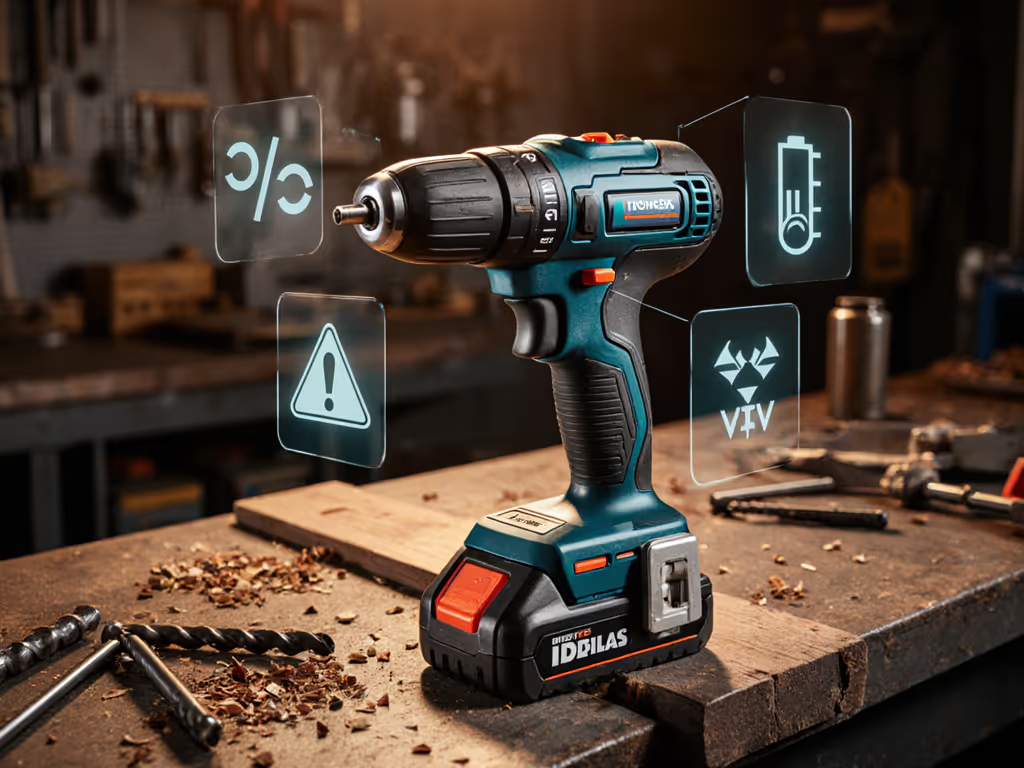
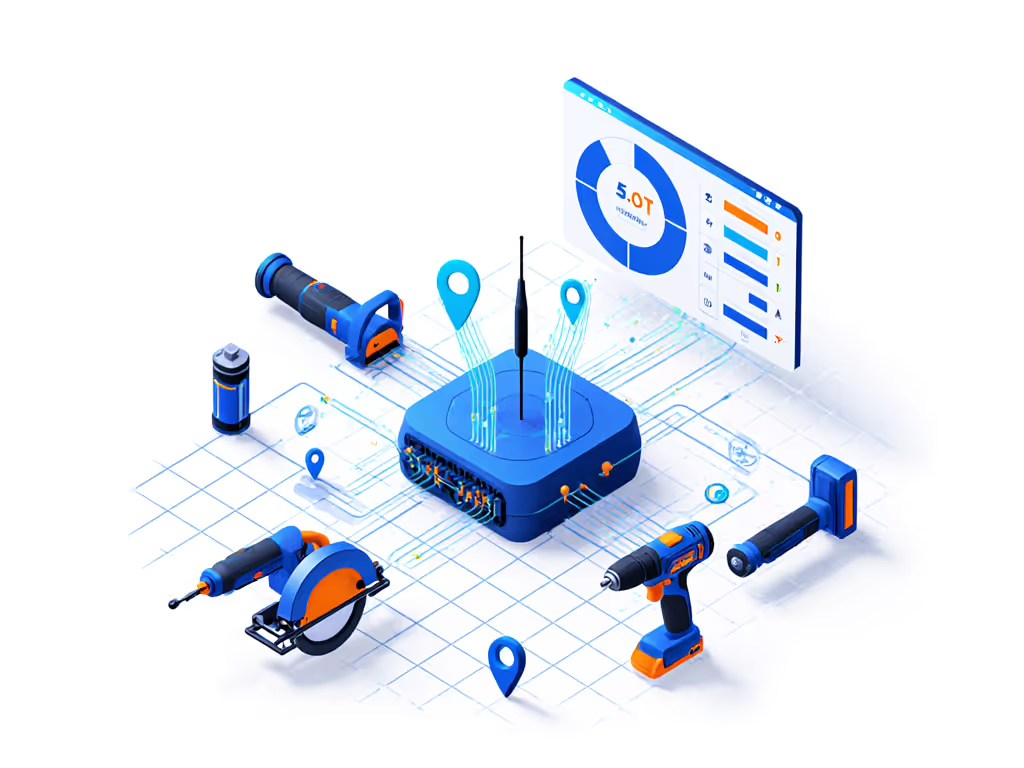
IoT tracking shines by turning invisible problems into actionable insights. Think of it as your tool's 'check engine' light (for your workflow):
- Remote tool monitoring catches issues before they stall projects (e.g., alerting when a saw's battery dies mid-cut)
- Geofencing sends notifications if tools leave your jobsite perimeter
- Usage analytics show which tools need charging before you hit a critical task
- Inventory logs auto-document what's on-site - no more "Who borrowed my stud finder?" chaos
Here's where I remind DIYers and carpenters: Start small. My neighbor's "aha" moment came not with a $500 system but by tagging just his two most-misplaced drills. When he stopped losing tools, he started saying yes to more projects. That's the confidence loop working (project drives the pick).
Is This Overkill for Home Projects or Small Crews?
Not at all! The best jobsite inventory system scales to your needs. For DIYers:
- Tag 2-3 high-value tools (like your cordless drill and reciprocating saw)
- Use phone-based tracking (most apps work with your existing device)
- Set simple boundaries ("alert me if tools leave my driveway")
For small contractors (1-5 person crews):
- Track shared equipment like generators or ladders
- Integrate with your existing project management app
- Focus on theft prevention for overnight storage
The key is matching tech to your actual workflow, not adopting features you'll never use. Contractors building standardized kits should see our fleet management playbook for ROI and warranty strategies. Remember when I helped that bookshelf-building neighbor? We began with physical hole markings and clutch settings before adding tracking. Same principle here: master your tool basics first, then layer on smart features.
Won't IoT Tracking Be a Headache to Set Up?
Modern systems are shockingly DIY-friendly. Skip the enterprise jargon. Here is what actually matters:
| Setup Factor | Old-School Worries | 2026 Reality |
|---|---|---|
| Installation | "Need electrician" | Peel-and-stick sensors in 2 minutes |
| Cost | "$50/tool" | Free app + $5-$15 sensor tags |
| Learning Curve | "Requires IT" | Intuitive as weather apps |
| Battery Life | "Daily charging" | 6-12 month sensor batteries |
Look for systems with smart tool ecosystem integration (meaning they play nice with your current tools rather than demanding new purchases). Many sensors attach magnetically to existing batteries, so no permanent mods. Safety bonus: Automatic shutoffs prevent tools from running unattended.
How Does This Fit My Existing Tools?
This is where many give up, thinking they need all-new "smart" tools. Wrong! Today's IoT solutions work with your Makita, DeWalt, or Ryobi:
- Retrofit sensors clip onto tool batteries or housings
- Battery-agnostic systems track power status across brands
- Platform-agnostic apps consolidate data from mixed tool fleets
Case in point: A local property manager tags his team's cordless drills (3 different brands) with $8 BLE sensors. When tools go missing, the app shows last-known location within 10 feet. No platform switching needed (just peace of mind). Remember my core belief: Confidence comes from small wins with the right setup. Start with your most frustrating-to-lose tool, not a full fleet overhaul.
What's the Cheapest Way to Start?
You don't need to bankrupt your tool fund. Try these low-risk entry points:
- Free apps first: Use your phone's Find My Device (Android/iOS) for basic location tracking
- Tag your "nemesis tool": The one you always lose (for me, it's torque wrenches)
- Leverage existing tech: Many premium tool batteries now have built-in tracking
For under $20, you can test whether this solves your specific pain points. One carpenter I worked with began with just his Milwaukee Sawzall (which averaged 3 "lost" days per month). After tagging it, he recovered 12 billable hours in the first quarter. That paid for his entire system!
But Won't This Distraction Slow Me Down?
Ironically, tracking saves time by eliminating bigger distractions:
- 5-10 minutes per tool search × 3 tools daily = 2+ hours/week wasted
- $200 replacement cost per stolen tool adds up fast
- Project delays frustrate clients and kill momentum
Think of it like wearing a seatbelt (you don't notice it until it prevents disaster). The best systems run silently in the background, only alerting when you define as important (e.g., "notify me if tools leave jobsite after 6 PM"). To protect your investment beyond tracking, review our tool insurance guide that compares theft coverage options for pros.
Ready to Try IoT Tracking Without Regret?
You've got nothing to lose but that sinking "where's my drill?" feeling. Before investing:
- Audit your tool losses: Track missing tools for 1 week
- Define your "must-solve" problem (theft? battery drain?)
- Test one solution on your most problematic tool
The goal isn't a futuristic smart jobsite (it's your next project completed without tool drama). When my neighbor finally reclaimed his lost Saturday mornings, he didn't just build bookshelves. He started a deck addition. That's the power of small, confident wins.
Related Articles